







Default User Settings
Introduction
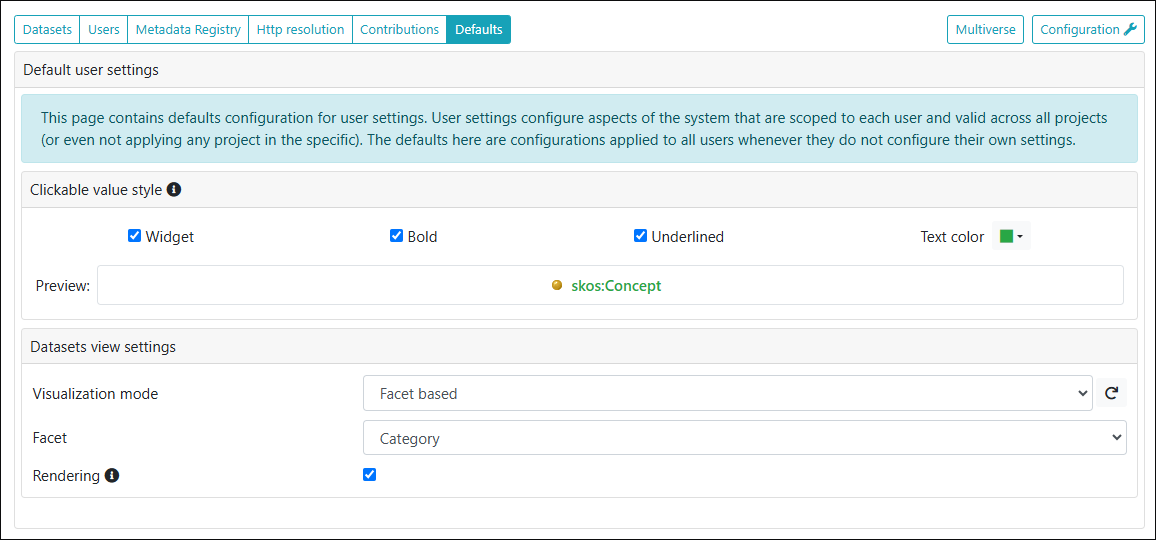
On this page, the administrator can define default settings that are applied to all users unless they configure their own settings.
Clickable value style
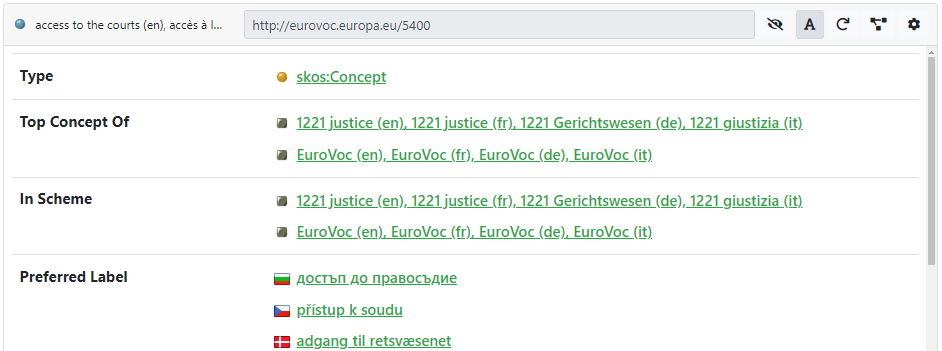
This section allows the administrator to customize the way clickable values are shown in the resource view. They can be displayed using a special widget with an icon/flag on the left, or using a custom color, or setting the text style to bold and/or underlined.

An example of the resulting display (note the various icons) is shown in the following figure.
Dataset view settings
This section offers two options to customize the appearance of the dataset view.
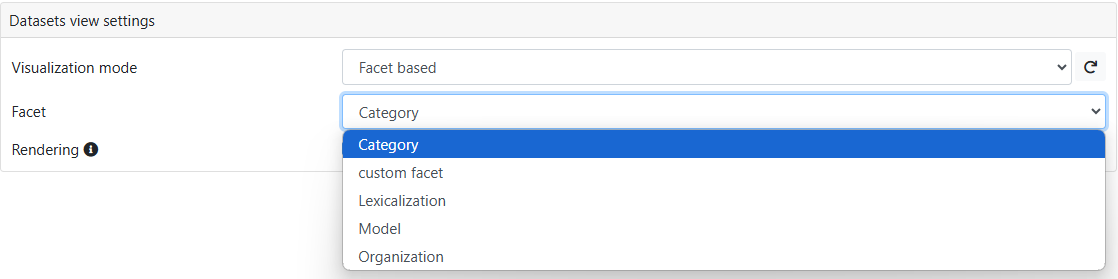
- Visualization mode: Allows you to determine how the datasets are presented on the Datasets page: as a flat "List" or Facet-based.
- Rendering: Enable this option to display datasets using their multilingual labels instead of their name. More information about dataset labels can be found on this page.

If you choose Facet-based visualization mode, a facet selector will appear, allowing you to choose the facet on which to group the projects. More information about dataset facets and an example can be found here.